Holding every client in your head was never the job.
A client notebook does the remembering, so your attention can stay with the person in front of you
One payment, and it's yours.
Count what you're carrying into this week's calls.
For every client on your calendar, you're holding where you left off, the two or three things they said that mattered, the homework, the thing you promised to send, and how many sessions are left in their package. Multiply that by the roster. (Read that list again and notice where your shoulders went.)
So the ten minutes before a call go to the scroll: last session's summary, the follow-up email you sent, the notes doc, the recording you meant to rewatch. Your notetaker caught every word, and you still walk in rebuilding the thread by hand. After the call, the notes wait until eleven at night, or for a quiet week that never comes, and the resource you promised to send joins the list of things that quietly fell off.
If that scroll takes ten minutes and you hold fifteen calls a week, it adds up to two and a half hours a week spent finding your place, about 130 hours a year. (Not creative math. I checked it twice.)
None of this means you're disorganized. Colonial productivity culture hands coaches a one-person, always-on model of service: remember everything, prove your care through memory, and rent your own client records back from a stack of subscriptions. That model was built for a brain and a calendar that were never yours, and neuro-emergent coaches pay for it first.
It's no wonder so many of us walk into calls a little behind. The model asks one head to be the filing system for a whole practice, and then calls the tiredness a time-management problem.
The Keeper's Notebook
Most fixes for the scroll add a place for notes to wait: a better notetaker, a CRM, a template, one more app with its own login. Each one keeps the call somewhere, and the thread between calls is still yours to hold.
The Keeper's Notebook holds each client at three points in the work:
What happened in your own terms, what each of you agreed to (with the date), and a few lines in your client's own words.
Their promises and yours on one page, each one closed with the date it was done.
One page, waiting the evening before: how you arrive, where you left off, their words, what's still open, and a few angles worth noticing.
Before session four, your notes from session three are already waiting, with everything still open, so every call opens where the last one ended. Over a whole package, the notebook becomes the story of the work in your client's own words, which is exactly what a renewal conversation needs. Your care moves out of your recall and onto the page, where it can hold.
By hand, it works for a few clients and a lot of evenings. For a full roster, the notebook needs a keeper.
So I built the keeper.
Session Keeper
The AI skill that carries every client's story from one session into the next, so you walk into each call already knowing where you left off (and your head stays free for the person in front of you).
Made for coaches, consultants, and practitioners who:
- hold 1:1 clients, groups, or workshops, and record the calls
- already pay for a notetaker (Zoom, Fathom, Granola, Otter, and the rest) and have a pile of summaries to show for it
- want their client records in their own folder, on their own computer
- run their practice on their own rhythm, and want the admin to follow it
What changes when the notebook does the remembering
- Walk into every call knowing where you left off, without the scroll through last month's summary, the follow-up email, and the notes doc.
- Put the roster down. Every client is held in their notebook, so your head can go back to being yours between calls.
- Keep the small threads too, so the homework, the question you parked, and the link you said you'd send are still in view the next time you meet.
- Find a client's whole history in one place, your own Obsidian vault, without hunting through four apps for the worksheet you made last spring.
- Never rewatch a recording to find one line (the notebook keeps your client's own words, with the transcript beside it).
- See every renewal coming, with a brief in your client's own words, so the conversation about what's next has room in it.
- Record with a clear conscience, because clients hear about AI notes before the first recorded call, and anyone who asks is held at maximum privacy.
- Write your next sales page in your clients' language, gathered each month with no names attached, so the problem section sounds like the people you serve.
- Turn the teaching you've already done into writing. Your best reframes are already sitting in your transcripts (there's probably a book in there), and the Wisdom Harvest gathers this month's into seeds for posts.
And underneath all of it, your attention gets to stay in the room.
What's inside
The Pre-Call Brief
Walk into every call already arrived.
The evening before each call day (or the morning of, your choice), a brief waits in your client's folder. It opens with your own arrive practice, in your words. Then it shows where the call sits in your day, where you left off, a few things your client said in their own words, what's still open on both sides (including the resource you said you'd send), and a handful of angles worth noticing. Never a script: the call is still yours. Even on a day with four calls back to back, each one starts from the record instead of a ten-minute scroll through old summaries.
You'll have: a brief for every call, before you need it.
The After-Call Notes
Every session filed, written up, and drafted while you rest.
After each call, Session Keeper files the transcript under the right client or group, writes what happened in your own terms, records what each of you agreed to, and keeps a few of your client's own words. Then it drafts the recap for you to edit and send (it never sends anything itself). If your notetaker already writes summaries, keep it: Session Keeper reads what it makes and carries the session forward.
You'll have: a client notebook you didn't have to write, and a recap waiting for your edit.
Open Items, Both Sides
The promises you made, kept in view.
Your client's commitments and your own live on one page, each with the date it was made, and each one closes with the date it was done. The article you promised in March doesn't vanish into a summary. It sits on the list until you send it (or decide it isn't coming).
You'll have: one page of everything still open, yours and theirs.
The Rhythm Read
Every client accounted for, and you too.
Once a month, or whenever you ask, Session Keeper reads your whole roster through rhythm: who's in rhythm, who's out of rhythm and what's holding the weight, who's resting and whether that's fine. It reads your own rhythm alongside theirs, names your signs of over-giving in your own words when they show up, and ends with what needs you this week and what can wait.
You'll have: an honest read of your practice, nobody dropped.
Container Milestones and Renewal Briefs
Renewals, without the surprise.
Session Keeper counts sessions used against sessions sold and watches each end date. When a client's renewal window opens, it writes a renewal brief: where they started in their own intake words, where they are now in their own words, what changed, and what a next container could hold. There's no pitch script and no pressure in it, only the record, ready for the conversation.
You'll have: a renewal brief in your client's words, before the end date arrives.
Groups and Workshops
One notebook for the room, and every story kept with its person.
Cohorts, circles, group coaching, and workshops get the same notebook, with a roster and a line for each member who spoke. The recap for the room holds only what the whole room shares: the teaching, the agreements, the next date. A member who is also a 1:1 client gets a short note in their own notebook, and workshop questions are kept with no hint of who asked.
You'll have: group records that hold everyone, and group recaps that expose no one.
Your Method Profile
Notes that sound like your practice.
Setup asks how you work: your method and its stages, your own terms, the teachers your method stands on, the words you'd never use, how you arrive before a call. From then on, every brief, notebook entry, and recap uses your language, so the notes read like your practice and nobody else's.
You'll have: a record in your own words.
A Schedule Set by Your Rhythm
It works on your call days and rests on your quiet ones.
You choose when it runs: after your last call on call days, the evening before (or the morning of) each call day for briefs, and once a month for the Rhythm Read and the Wisdom Harvest. Nothing runs on your quiet days. If a run stops, Session Keeper tells you the next time you open it, and "check my setup" shows what's working and fixes what isn't.
You'll have: a practice that keeps its own record, on your schedule.
Privacy, Held with Care
Your vault, your computer, your rules.
Everything lives in your own Obsidian vault: plain files on your computer, in a free app with no account to make and no monthly fee. Every transcript is kept as your work product, and a client who asks can be held at maximum privacy: a code name and general terms in your notes. Anything you might share, like a teaching post or a supervision summary, has every identifying detail taken out.
You'll have: client records you can stand behind.
The Coach's Wisdom Harvest
Your teaching, gathered before it disappears.
Every week you give away your best thinking in sessions, and almost none of it gets written down. Once a month, Session Keeper gathers what you taught: the reframes, the frameworks, the questions that moved a session, the lines worth keeping. It takes out every detail that could identify a client, cites the teachers your frameworks come from, and hands you seeds for posts and emails, each one opening with a line you actually said.
You'll have: a month of content you already taught.
Your Client Language Map
Your clients' words, ready for your next sales page.
Once a month, alongside your Wisdom Harvest, Session Keeper gathers what your clients said about what they came with, what they want, what they tried before, what changed, and what gave them pause. It paraphrases each line into a private file with no name attached, so you can write in the language your people actually use (the homework a sales page asks for, done while you worked). When a client tells you in their own words what the work changed, it adds a reminder to ask them about sharing it. And a client who'd rather stay out is out the moment you say so.
You'll have: your people's language, in one place, every month.
Three bonuses, already in the download
The Disclosure Kit
Tell clients before the first recorded call, in your own words.
Two ready-to-adapt versions: a paragraph for your client agreement, and a Generative AI Policy for your terms and conditions page, so clients agree to recording and AI notes when they buy. Plus a few lines to say on a first call, if that feels better out loud.
The Demo Practice
See it work before your own data goes in.
Say "show me the demo" and Session Keeper builds a brief for Juniper Maia, a fictional somatic leadership coach with two clients, a group, and a workshop. You see exactly what you're getting before you set up anything of yours.
Check My Setup
A health check that fixes what it finds.
One phrase checks every folder, connector, and scheduled run, tells you what's working in plain words, and offers to fix what isn't (with your yes, every time).
Works with
If your tool can export a transcript, Session Keeper can read it: drop the file in your Inbox folder, or paste it into the chat.
You'll need: an AI assistant that runs skills on your computer (Session Keeper is built and tested in the Claude desktop app), Obsidian for your practice vault (it's free), and your call recordings with transcripts.
Ixchel Lunar (they/them)
I'm a decolonial Flow coach. I guide Queer, BIPOC, and Neuro-emergent founders out of urgency that was never theirs and back into a sovereign relationship with their own timing, through body, lineage, and the living field of Time.
This year I've built five apps, among them OoSo Studio for my clients, CONTINUUM, and the Time Devotion app, plus the automations that run my own business. Session Keeper grew out of how I keep my own clients' records, when one of them asked me what it could look like in their practice.
My clients live in two places in my vault: the transcript of every session, and a page for each client that my assistant keeps from those transcripts. When I'm with a client, what I want most is their actual words, and I can't always type fast enough to catch everything while I'm listening. The notebook catches it, so I can stay with the person.
Do epic sh*t. Stay intact.

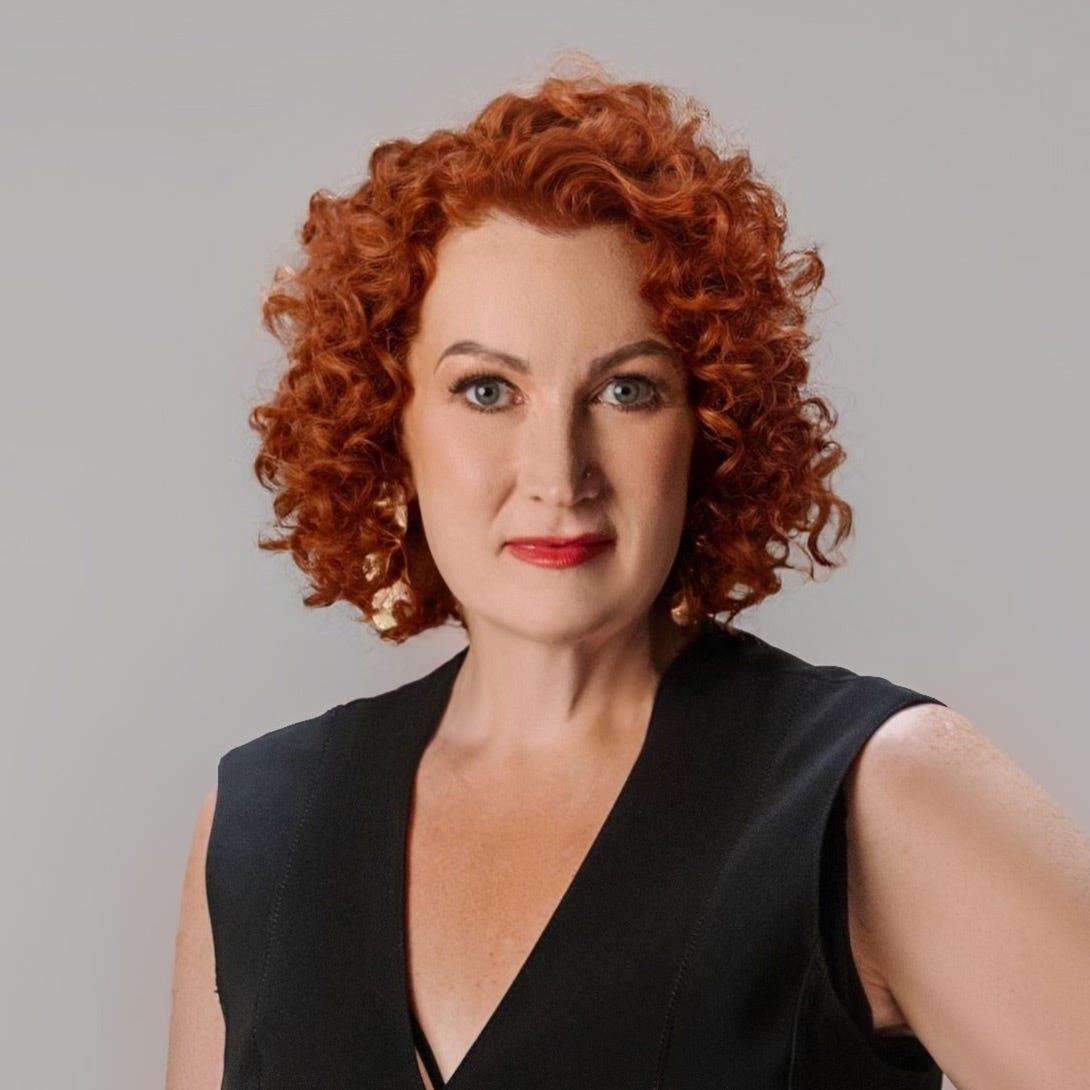
“Their work with me was literally time magic.”
“
I want to get into flow more easily and use my time differently. I want to finish my book! That’s why I asked Ixchel to coach me. Their work with me was literally time magic. So much of what they asked me to put in place in my life, I would NEVER have thought to do on my own — and it’s genuinely working.
Ixchel is BRILLIANT. I learned so much from them. My sleep hygiene is massively improved, I changed the way I'm delivering programs that will make them more effective for both my clients and me, and I'm actually making progress on my book. I am writing without burning myself out.
KELLY DIELS, FEMINIST MARKETING CONSULTANT
”
If setup gets stuck, you won't be stuck with it.
A connector won't connect, a calendar won't answer, a step doesn't make sense: message me by Telegram or email (the details come with your purchase), and we'll get your sessions filing.
And if your call tool has no connector at all, the Inbox route always works. Export the transcript, drop it in your Inbox folder, and Session Keeper files it on the next run. Any tool that exports a transcript is a tool Session Keeper can read.
Session Keeper is a digital product, so all sales are final.
The Keeper's Vault ($27)
A ready Obsidian vault, arranged for Session Keeper before it reaches you. The folders it files into are already in place, with a Start Here note and a view of your whole practice on one screen: every client with their package, status, and end date, and the renewals sorted by which one comes up first.
Juniper Maia's demo practice is inside too, so the views have something to show the day you open it (and if you've never opened Obsidian before, the Start Here note walks you in).
It's the room your records live in, with the lights already on.
Session Keeper sets up its own folders in any Obsidian vault, so the box is yours to tick or leave. Like Session Keeper, the vault is a digital product, and all sales are final.
Session Keeper
Everything above comes in one download: the eleven parts of Session Keeper, the Disclosure Kit, the Demo Practice, and Check My Setup.
Why start with your next call
There's no deadline here; the door stays open. The cost of waiting lives in your own calendar: each week without a client notebook is another week of sessions held only in your memory, plus a few more summaries nobody will reread. Session Keeper files from today forward, and when you're ready, it brings your past sessions in, a few at a time. (If your recordings folder holds forty sessions nobody has opened since spring, that part is for you.)
Questions, answered
No. Setup is a conversation with your AI assistant, one question at a time, starting with your rhythm. You can stop whenever you like and say "continue my setup" later, and anything you skip shows up as "not yet", which only means it's still to come. Start with "show me the demo" if you want to see it work first.
Keep your notetaker; it records the call and summarizes it well. Session Keeper reads what it makes and carries that call into the next one: it tracks the agreements across sessions, writes the brief before the next call, watches renewals, and reads the rhythm of your whole practice. If you have dozens of summaries and no thread between them, this is the thread.
No. Session Keeper is written in the open skill format that other AI assistants read too, and it adjusts its setup to what your app can do. I built and tested it in the Claude desktop app, so that's the one I can promise. In another app, the filing, the notebooks, and the briefs run whenever you ask, and the scheduled runs need an app that can schedule tasks on your computer.
Into your own Obsidian vault, on your own computer. Session Keeper adds no new cloud service. To do its work, your AI assistant reads those files during each run, and that text is processed by its provider under the terms of your plan (with Claude, that's Anthropic). You can turn off model training in your assistant's privacy settings, and setup walks you through it.
Obsidian is a free app that keeps your notes as plain files on your own computer. Lesson 02 of the course walks you through the install, and Session Keeper sets up its own folders inside your vault. (If you'd rather do it together, you can add a setup session with me right after checkout.)
Only in a private file, for you. Once a month it paraphrases what clients said about what they came for and what changed, with no names attached. It never quotes anyone publicly and never contacts a client; when something reads like a testimonial, it reminds you to ask. If a client would rather stay out, say "[Name] opted out of client words," and their lines come out.
Recording and AI notes are part of how you work, so you tell clients before the first recorded call, in your client agreement or the Generative AI Policy on your terms page. The Disclosure Kit gives you both versions. A client who wants extra care can ask to be held at maximum privacy: a code name and general terms in your notes.
Never. It drafts recaps and briefs for you. You read them, change what you like, and decide what gets sent.
Yes. Each group gets its own notebook with a roster, and the recap for the room holds only what the whole room shares. Workshop questions are kept with no hint of who asked, and they feed your Wisdom Harvest.
Yes. Say "compile my archive" and it brings past sessions in, a few at a time, so each client's notebook starts with their real history. It never runs the next batch without your yes.
They'll sound like your practice. Setup builds your Method Profile from your own words (your method, your terms, your teachers, the words you'd never use), and every brief and recap uses it.
In the Claude desktop app, yes: on the schedule you choose, while your computer is on and the app is open. A run missed while your computer slept happens the next time you open the app that day. If a run stops, Session Keeper tells you, and "check my setup" fixes what it can.
Session Keeper is made for coaching, consulting, and similar practices. It isn't built for records covered by HIPAA or similar health-privacy laws, so a licensed practitioner checks their own obligations first.
Session Keeper is licensed for your own use, including in your own practice with your own clients. Your license does not include giving this skill to others. They may purchase it on OoSo Studio's website or via consulting or client work with Ixchel Lunar.
Yes. If you'd rather spend your setup hour with clients than in connector settings (fair), I set Session Keeper up with you as part of AI Systems & Automations Consulting. It starts with a chat, and we scope it together.
Session Keeper is a digital product, so all sales are final. The Keeper's Promise is how I stand behind it: help by Telegram or email if setup gets stuck, and an Inbox route that works with any tool that exports a transcript.
Your next call can start with a brief.
Holding every client in your head was never the job. The Keeper's Notebook does the remembering: the notes after each call, the open items between calls, and the brief before the next one, for every client, on your rhythm.
Download Session Keeper, add it to your AI assistant, and say "show me the demo". Watch a brief build itself for a practice that isn't yours. Then set it up for yours, one question at a time, starting with your rhythm.
(And if setup gets stuck, I'm a message away.)





























Your work deserves to travel further than your own two hands can carry it.
OoSo Studio™ gives you a co-author who has read all of it, and helps you keep putting it out. In your voice, on your terms, on your own machine.
Live done-with-you setup by appointment only